
At a time when we all spend a lot of time at home, a quality Wi-Fi network is essential. Unfortunately, sometimes your Internet network may experience malfunctions or slowdowns. If this is the case for you, we invite you to try these 10 tips to improve the quality of your network and avoid nervous breakdowns!

It has been nearly a year since the Covid-19 pandemic forced many to stay home. While many of us work from home, it is essential to take regular breaks, whether to catch up on the latest news on Netflix and Disney, or enjoy the latest free games from the Epic Games Store. All of this requires a good Wi-Fi network to avoid any inconvenience during a Zoom meeting or a video call with friends. If your connection leaves much to be desired, don’t panic: many solutions exist to help you resolve the issue.
Summary
- Move your Internet box to the center of your home
- Restart your Internet modem
- Check all the settings of your Internet box
- Limit the bandwidth of certain applications
- Get yourself a Wi-Fi repeater
- Choose the best network: 5 GHz or 2.4 GHz
- Check that you are alone on your network
- Change the channel of your Wi-Fi network
- Disable Wi-Fi on some of your devices
- Take care of your Internet box
Move your Internet box to the center of your home
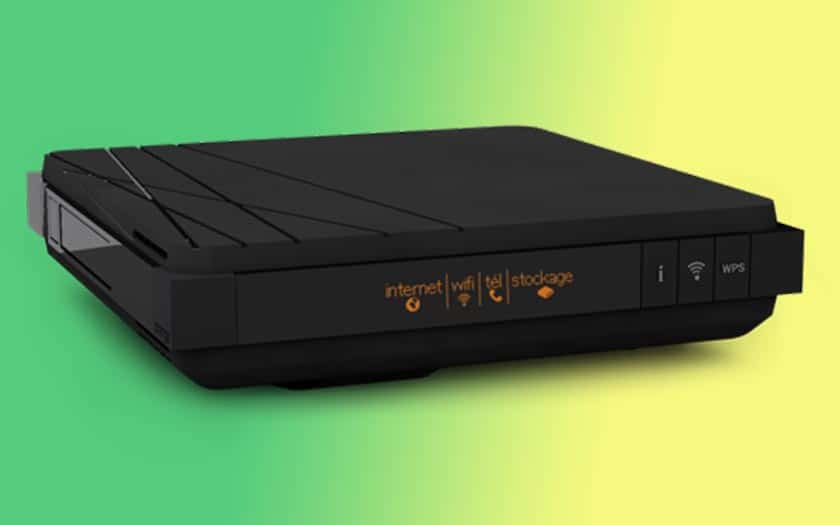
You might be tempted to hide your box behind a TV, furniture, or storage room to save space and not spoil your interior decor. However, know that the ideal place to put an Internet box is in the center of your home, so that its network is optimally distributed throughout all rooms. It is also advisable to bring the modem closer to your devices, or to the usual location where you use your devices, to maximize its range.
Restart your Internet modem
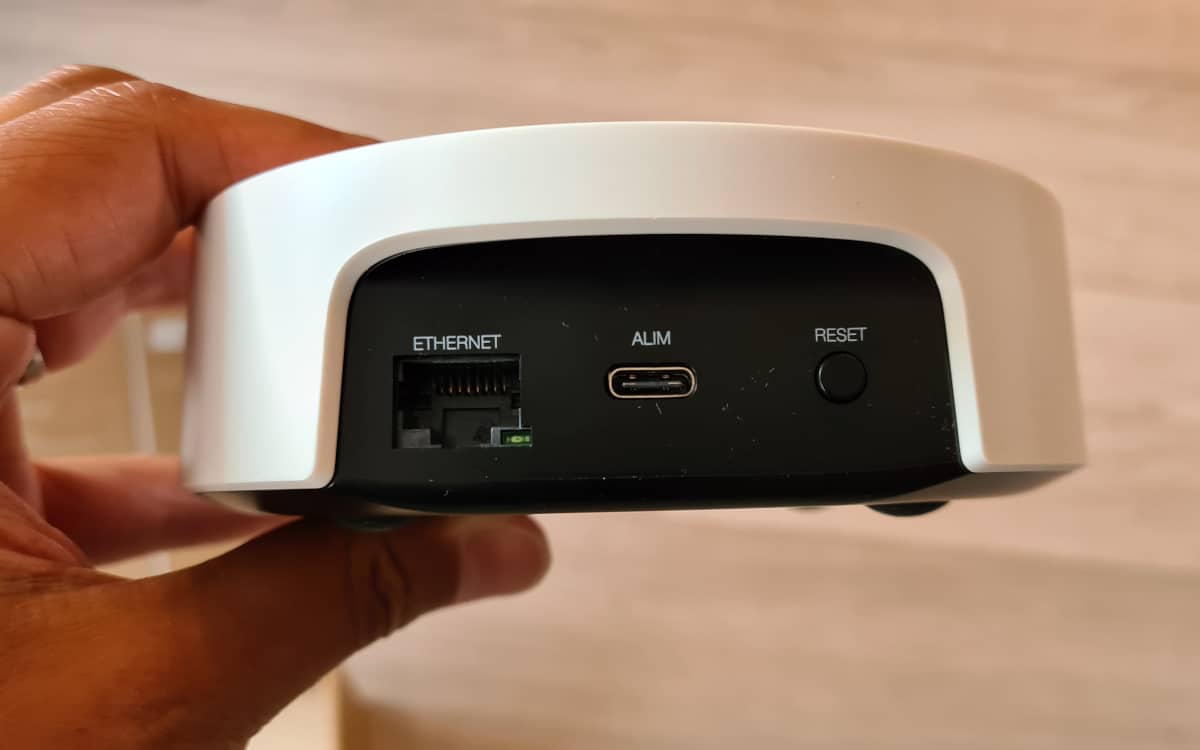
This tip seems obvious, yet some users completely overlook the idea of a good old restart of their Internet box. In case of Wi-Fi network failure, don’t forget to turn off and turn on your modem. In many situations, this simple maneuver can revive your Internet connection in better arrangements.
Check all the settings of your Internet box
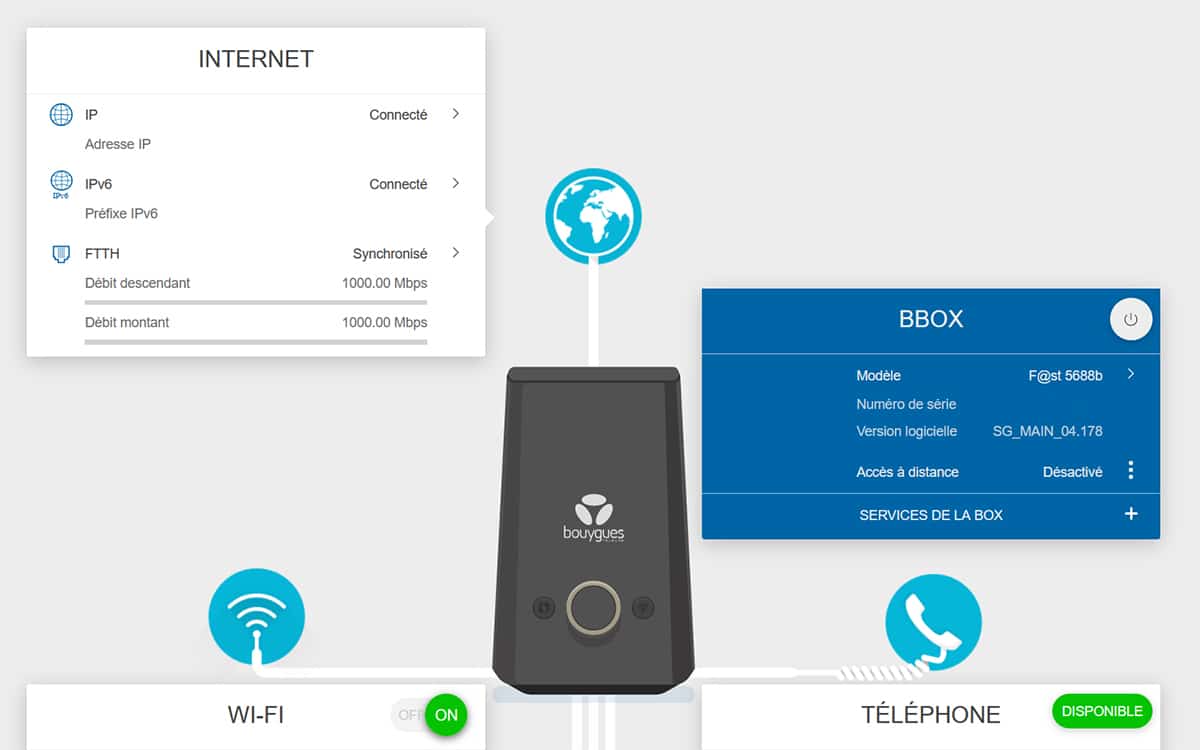
Before you start to panic and consider drastic solutions, consider checking the connection settings of your modem. These are obviously available on the web page to manage your box provided by your service provider. In the Wi-Fi section, check that each checkbox (status, terminal activation, SSID broadcast) is checked. Additionally, it may be useful to disable automatic network search on your computer, as only your box is concerned. This will limit the bandwidth used and thus gain you speed.
Limit the bandwidth of certain applications
You can optimize your network’s capabilities by allocating most of your Wi-Fi power to the applications that need it most. You can therefore limit the available bandwidth and reserve your best speed for your computer or smartphone, while downloading a game from the PlayStation Store will have to settle for a lower speed. In short, it’s about working according to your needs at the moment. On Windows, software like NetLimiter will do most of the work.
Get yourself a Wi-Fi repeater
If your Wi-Fi network needs to cover a particularly dense area, it is advisable to invest in a Wi-Fi repeater. These devices will, as their name suggests, extend the network coverage and allow you to reach the far corners of your home. Handy if you want to surf at the back of your garden or in your basement. And if you are on your smartphone, you can also switch to your mobile connection.
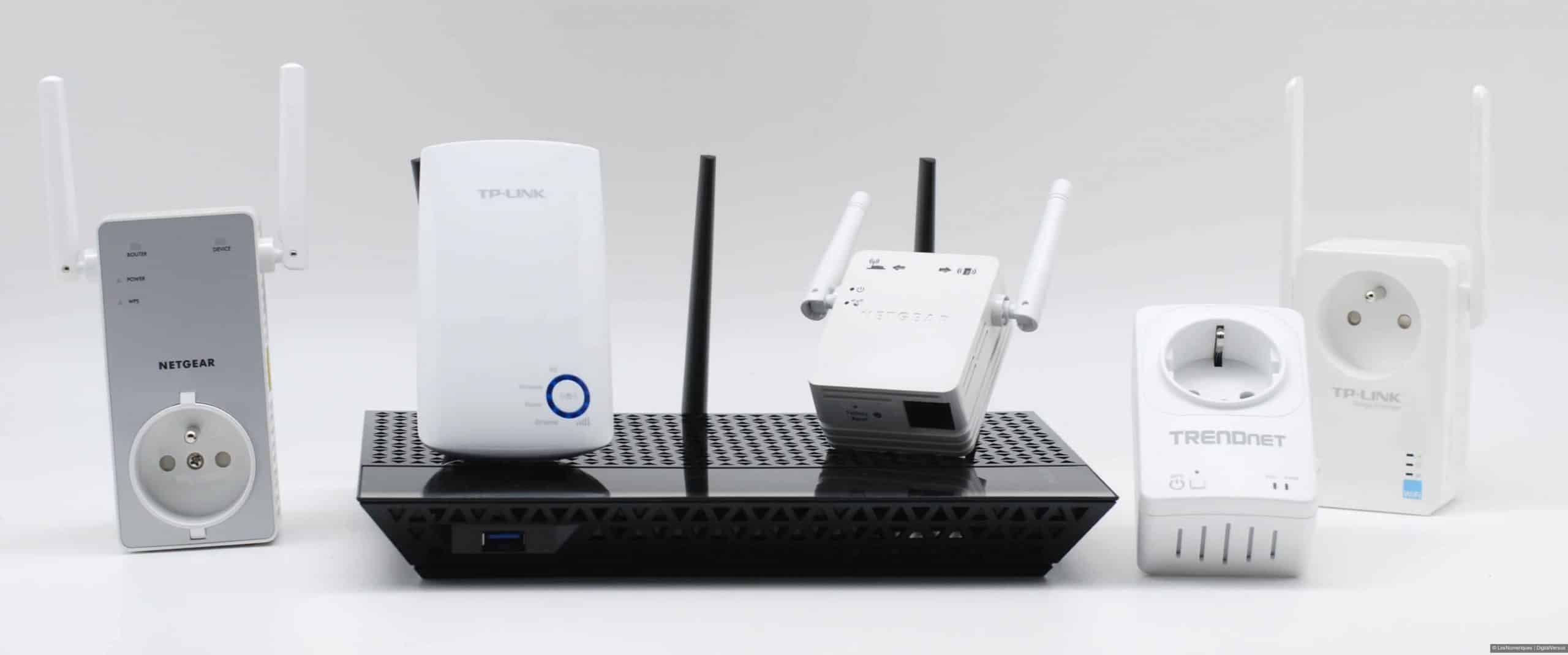
Good news, a Wi-Fi amplifier is not too expensive: its price ranges from 15 to 100 euros for the most powerful models. By spending fifty euros on its purchase, you will be able to effectively improve your network. We recommend opting for a model with two or three antennas for better network coverage. In the same vein, you might also consider buying Google Wi-Fi, which you can find our complete review of. If you prefer to save money, researchers at Dartmouth College in the United States found that aluminum has a similar effect to amplifiers. Cover a piece of cardboard with aluminum foil, place it behind your modem, and you’re done.
Choose the best network: 5 GHz or 2.4 GHz
On new Internet boxes, you have access to two Wi-Fi networks: one at 5 GHz and the other at 2.4 GHz. The 5 GHz network prevents many interferences with other electronic devices and has a higher speed. However, be aware that this range is much shorter than 2.4 GHz. It is therefore more useful to use it when you are close to your Internet box.
Check that you are alone on your network
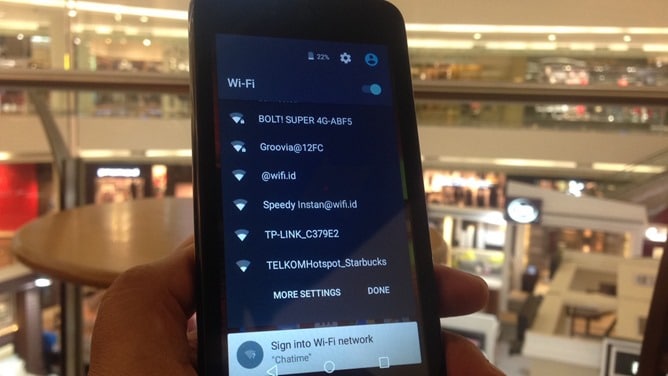
If you live in the city or in a busy neighborhood, you should secure your network with a password. This will reduce the chances of your Internet connection being stolen by freeloaders. Once you are finally alone on your network, you should notice an improvement. You can also obtain a list of devices currently online on your Wi-Fi network via the login portal of your modem and your operator account. Some hackers may have retrieved your password. Therefore, it is important to check for any unwanted presence on the network.
Change your network channel
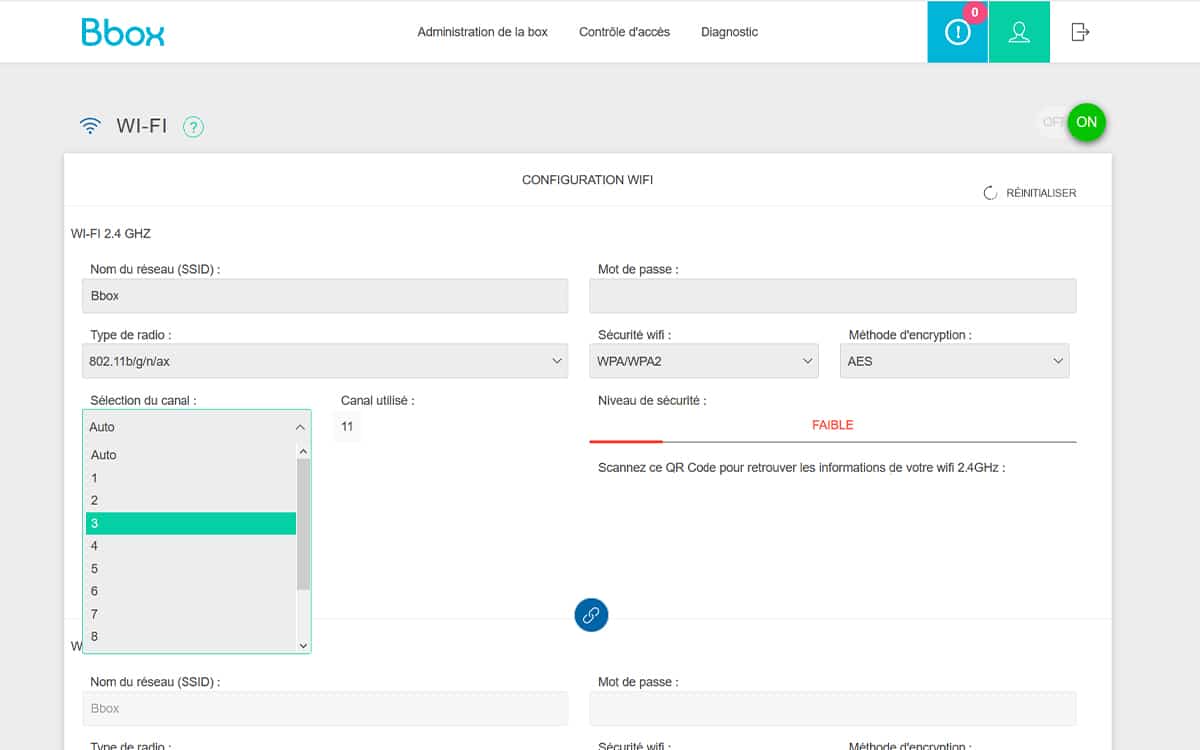
Each Wi-Fi network occupies a particular frequency band. This band may already be occupied by other electronic devices such as a microwave, your neighbor’s box, a baby monitor, etc. Under these conditions, you can improve the quality of your network by changing the channels by modifying it in the configuration and settings of your Wi-Fi modem. Each operator has a specific process, but this manipulation is generally quite simple.
Disable Wi-Fi on some of your devices
Many users leave their tablets or smartphones connected to Wi-Fi while they are in another room occupied on a laptop or desktop computer. This bad habit tends to slow down the quality of the Wi-Fi network. Leaving your TV on, in particular, takes up unnecessary bandwidth when not in use (in addition to consuming energy). Similarly, the further these devices are from your box, the more the network will try to extend itself to the maximum and disperse its efforts. Don’t hesitate to use the famous airplane mode.
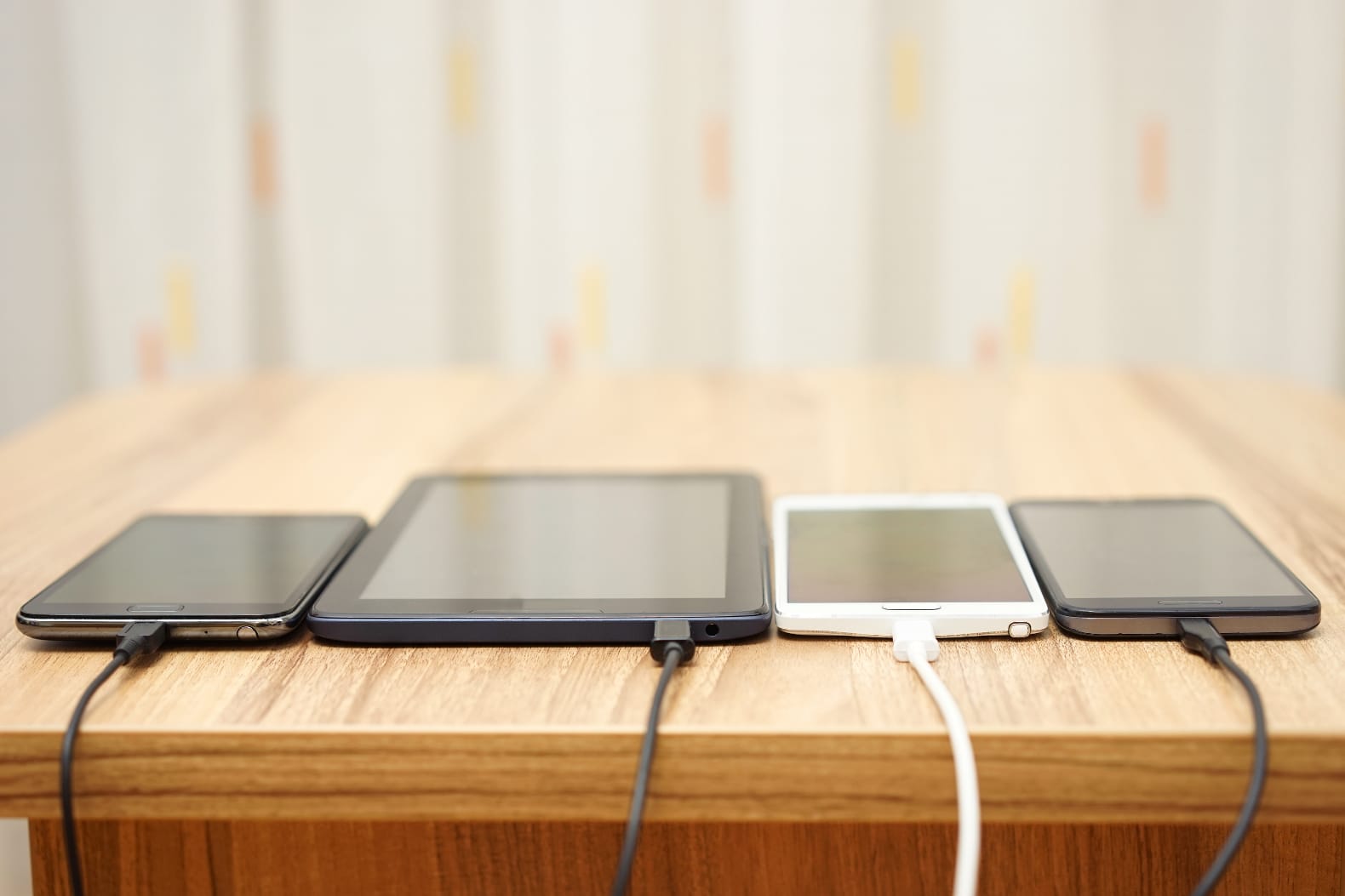
To avoid network issues when many devices are connected, a new standard has been developed: WiFi 6. This new standard promises to increase the performance of home networks that power many connected objects or devices. Several modems currently on the market are already compatible with WiFi 6, including the latest Bbox fiber from Bouygues Telecom.
Take care of your Internet box
An Internet box is a device filled with electronics. It is therefore sensitive to temperature changes and other short circuits. We advise you to take great care during heat waves, for example. Similarly, during a storm, it is not uncommon to see modems perish due to a short circuit. That’s why we recommend protecting your Internet box from lightning. Another tip: it’s best to plug it directly into the wall rather than a power strip, as it will improve the strength of its signal.
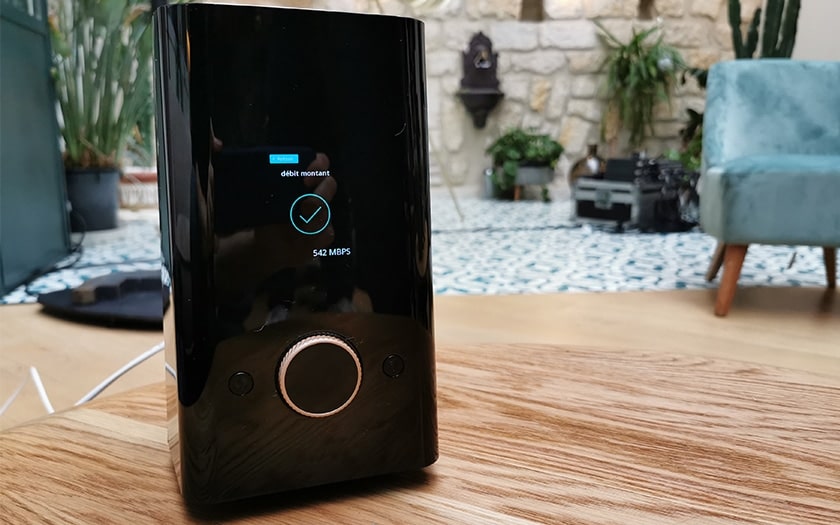
Hopefully, these tips will allow you to surf safely at home during the lockdown. If the problem persists despite these solutions, the most effective option is certainly to use an Ethernet cable, which allows for a more stable flow and better speed. If you have other ideas on the topic, or if there has been an error in this document, we invite you to share them in the comments.
Tag: improve a WiFi connection